 Let’s talk
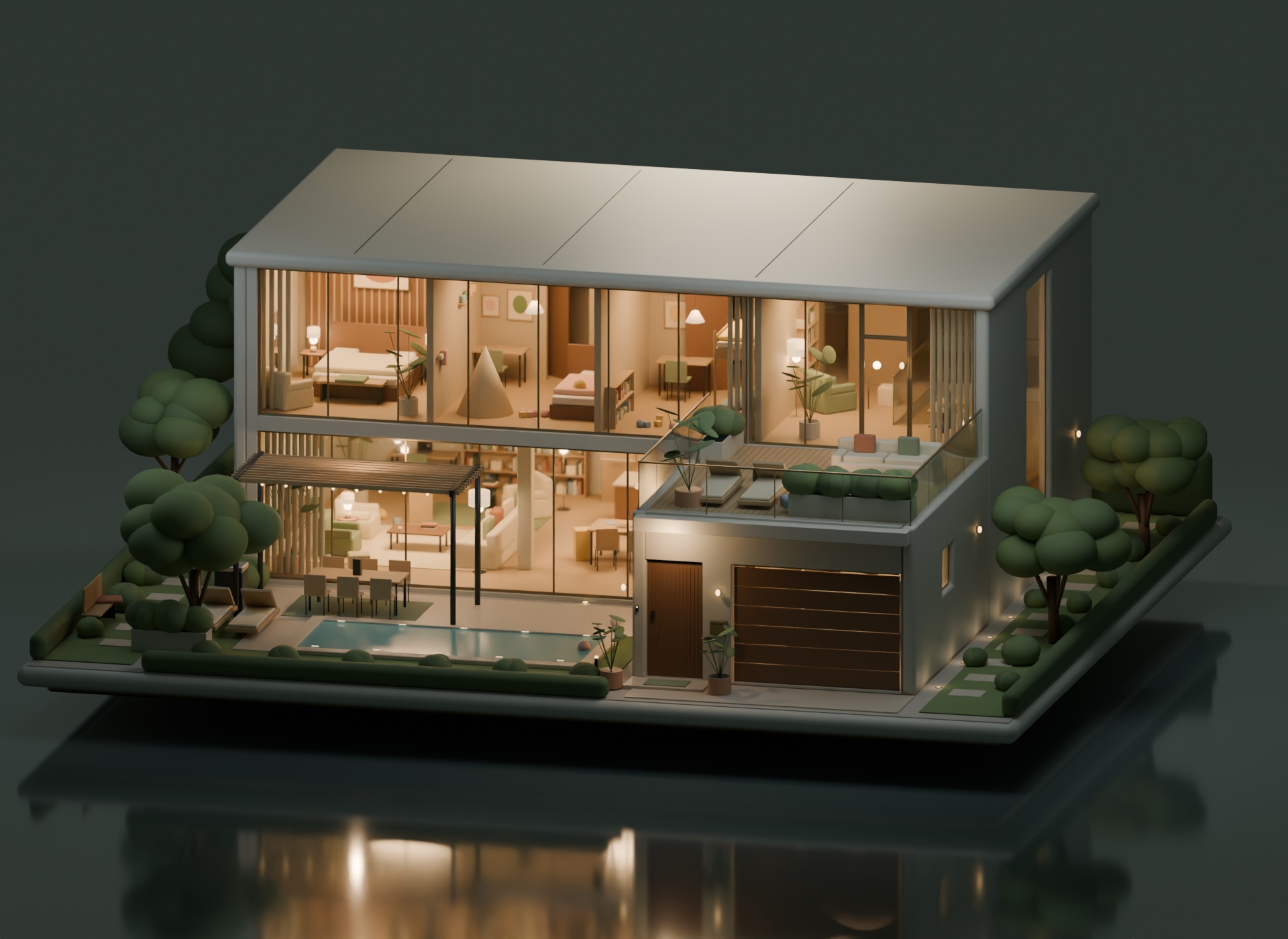
A home that
knows you.
We design and install smart homes in Dubai. Lights, curtains, AC, the garage door, locks and cameras, all controlled from Apple Home. Google Home and Alexa work too.
Book a free site visit01 / GARAGE
Open the garage
from CarPlay.
As you get close to home, the garage door appears on your car’s screen. Tap it once, or say “Siri, open the garage door”, and it is open by the time you pull in.
The CarPlay screen shown is an illustration. Needs a garage door opener set up in Apple Home and an Apple home hub (Apple TV or HomePod).
02 / FRONT DOOR
The door unlocks
as you walk up.
The lock uses Ultra Wideband (UWB) to sense your iPhone or Apple Watch as you approach, and unlocks when you reach the door. Your phone stays in your pocket and you push the door open. A tap with Apple Home Key works too.
Ask about the door lock
Hands-free unlocking needs a UWB smart lock and a compatible iPhone or Apple Watch. The lock unlocks; you open the door.
03 / EVENING
One tap sets
the whole evening.
Tap the Good evening scene on your watch, your phone or a wall switch, or ask Siri for it. The living room curtains close, the bedroom curtains follow, and the ceiling lights dim so the lamps take over.
The watch screen shown is an illustration. Scenes run in Apple Home and need motorised curtains and compatible lighting.
04 / WI-FI
A smart home needs
strong Wi-Fi.
The lights, locks and cameras all rely on the home network, so we plan the Wi-Fi with the rest of the system. We survey the house, place access points where the walls and rooms need them, and wire each one back to a single rack.
UNIFI · WIRED ACCESS POINTS · GUEST NETWORKAsk about Wi-Fi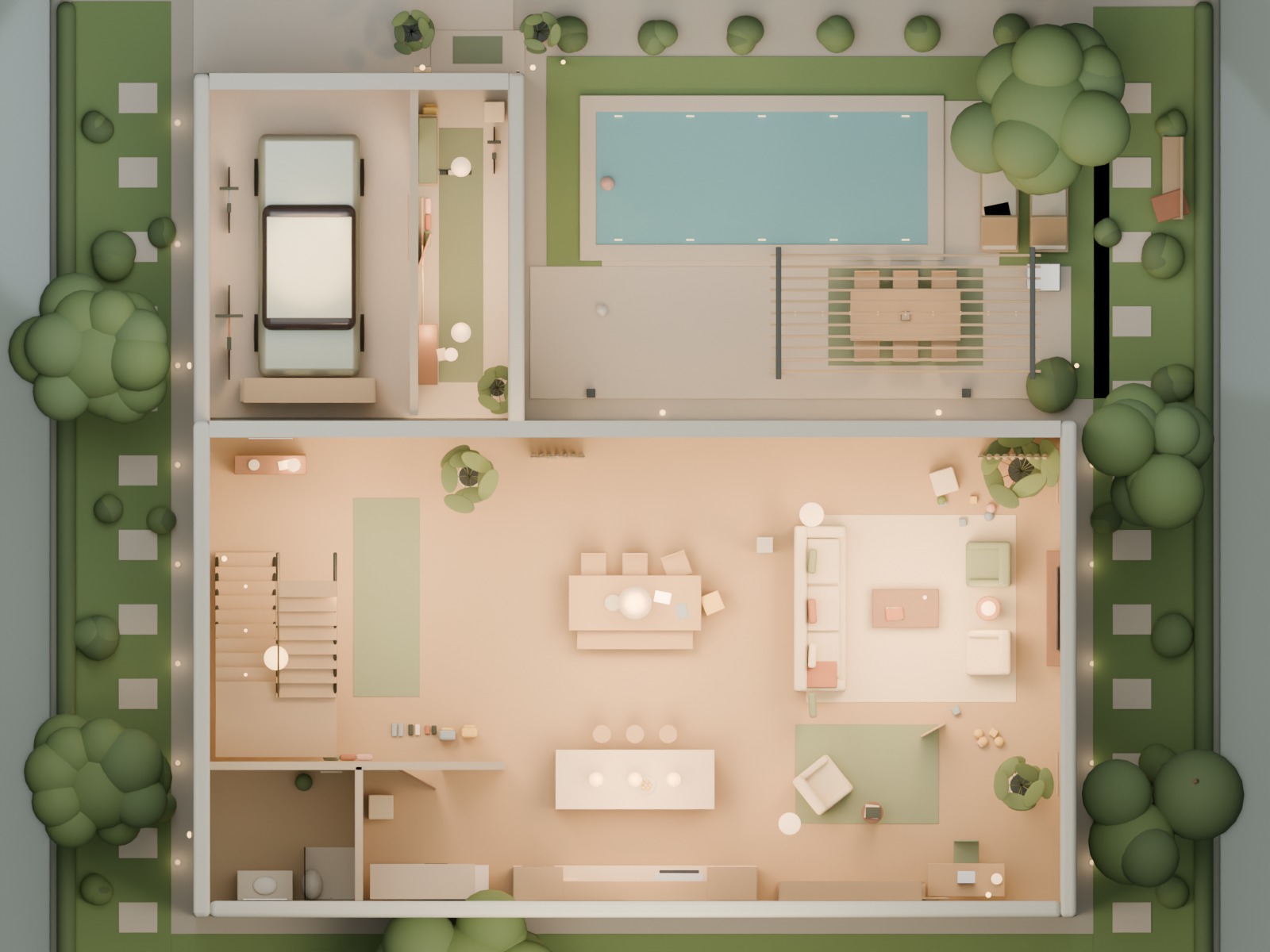
Example layout for the villa shown. We plan yours around your own walls and rooms, then measure the speed in each room at handover. The speeds shown are typical for a UniFi installation.
05 / WHAT WE DO
Control every room
from your phone.
We install the lights, curtains, AC, garage door, locks and cameras, and set them all up in Apple Home. Tap a room to try it.

The Home screen shown is an illustration. What you can control depends on the devices installed.
HOW IT WORKS
A project runs
in four steps.
- 01Free site visit
We come to your home, walk through it with you and ask how you use each room.
- 02Your plan
We mark every device, access point and cable on your floor plan. You see it before any work starts.
- 03Installation
We run the cables, fit the devices, then set up Apple Home and your scenes.
- 04Support
Three months of free support after handover, and remote support whenever you need it.
Founded in Dubai. The site visit is free.